
What you can do on your own
- Build your tone. Long tones and a mirror help you find a clear, steady sound at home, step by step.
- Learn new fingerings. The fingering chart in the app covers 37 pitches, so you can add a new note whenever you have a few minutes.
- Practice on your schedule. No appointments and no travel: you play when it suits your day, before work, at lunchtime or after dinner.
Typical self-study mistakes on the flute
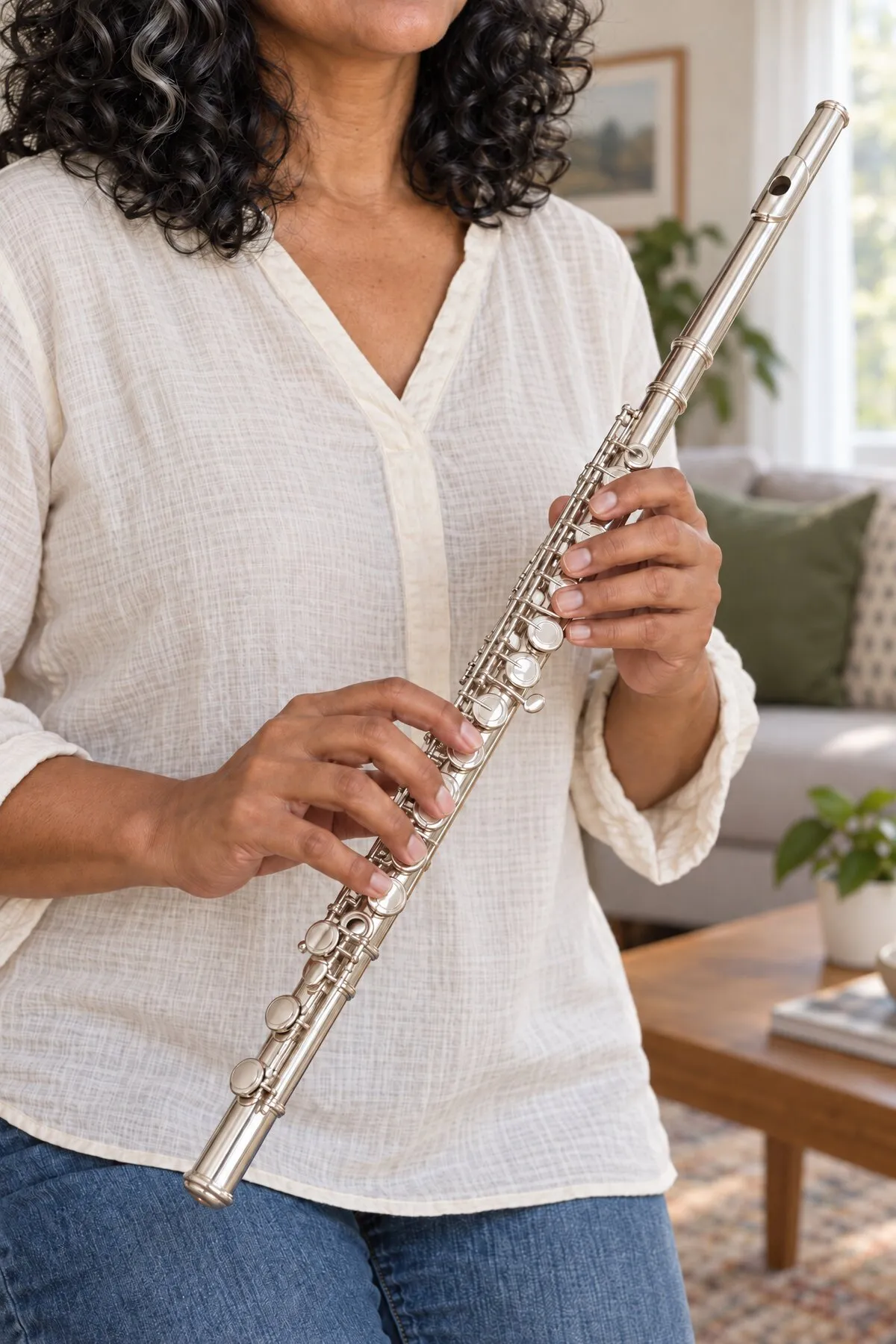
- Rolling the flute in
To get a sound more easily, many beginners turn the embouchure hole toward their lips. The tone turns muffled and the notes sound flat.
What helps: Line the embouchure hole up with the main keys as a starting point, then adjust it slightly until playing feels comfortable. If notes sound flat, check the angle in a mirror before you blow harder; tonestro shows you when the pitch is right again.
- Forgetting the right little finger
Your right little finger presses the small Eb key on many notes, though not on the standard D4 and D5 fingerings. Forget it, and notes are less stable and the flute is harder to balance.
What helps: Keep that finger on its key unless the fingering chart shows otherwise, and look up every new fingering there. tonestro then gives you feedback on the pitch and rhythm of each note.
- Starting notes with a puff
Many self-learners begin every note with a push of breath. The starts sound blurry, and the rhythm gets vague.
What helps: Start separate notes gently with your tongue, as if you whispered “tu”; within a slur, tongue only the first note. This is called tonguing, and tonestro tells you at once whether every note came in on time.
Your practice week
- Day 1: tone
Play long tones in the comfortable middle range, with a short rest after each one. Finish before your lips tire.
- Day 2: one new note
Look up one new fingering in the chart and play it slowly between two notes you already know.
- Day 3: a song, slowly
Pick a song and set it to 60 percent. Move up to 80 percent and then full speed when pitch and rhythm are accurate and your playing feels comfortable.
- Day 4: tonguing and rhythm
Play one note on each beat and start each with a soft “tu”. tonestro gives you feedback on your rhythm.
- Day 5: just play
Play your favorite songs from start to finish without stopping. Take the other days off, or play a few minutes just for fun.
Songs to practice on your own
Pick a song and practice it at your own pace. The app offers 63 easy flute songs, such as:
- Symphony No. 40
- Where Did You Sleep Last Night
- Happy Whistling Ukulele
- Downtown Boogie
- Danse macabre
- Bella Ciao
Questions about self-study
Can I learn the flute without a teacher?
Yes, as long as you have a plan, some patience with your tone and a way to check every note. If you are weighing your options, read learning an instrument without a teacher.
How do I know if I'm playing the flute correctly?
With every note, tonestro shows you at once whether pitch and rhythm were right. Check posture and embouchure in a mirror or a short video: head upright, shoulders relaxed, lips soft.
What do I need to teach myself the flute?
Your flute, a quiet spot and a phone or tablet: iPhone and iPad from iOS 15, Android phones from Android 8 with at least 4 GB of memory. The full list is in what you need.
How does tonestro hear my flute?
Through the microphone of your phone or tablet. While you play, the app recognizes the pitch and timing of each note. Details are in how tonestro hears you play.
Updated: